Today
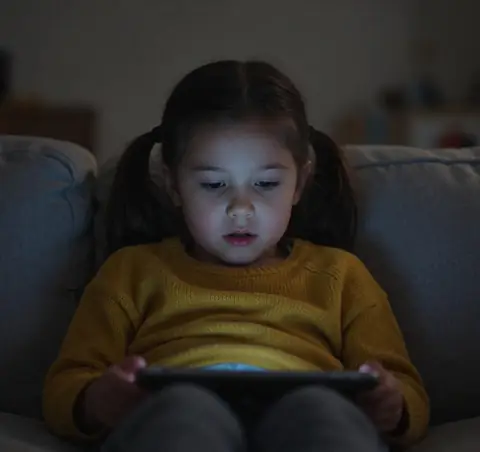
Your child watches what others made
Videos and games are built to be looked at. The screen is something you sit in front of.
Kids AI Studio is a safe AI art app for kids aged 3–12. Your child draws on paper, snaps a photo or tells an idea, and Pip turns it into something they made themselves.
Find your child's creative type



Most screen time for kids is watching or playing what someone else made. In Kids AI Studio everything starts with your child's own idea, and the screen becomes a tool.
Videos and games are built to be looked at. The screen is something you sit in front of.
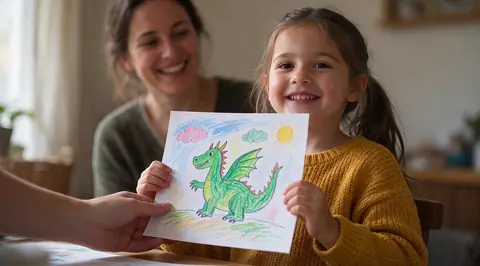
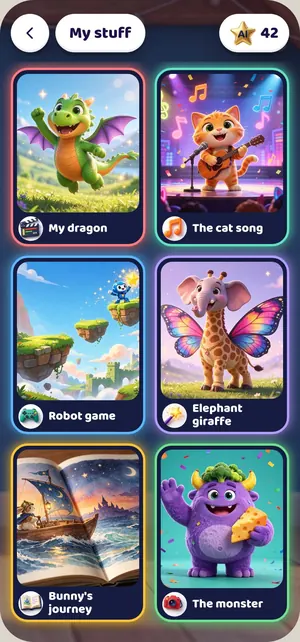
Your child draws on paper, takes a picture and watches it become something. Every creation is their own, saved in their gallery to show off.
Each tool has one to three short steps. Pip asks the questions, and can read every one of them out loud.
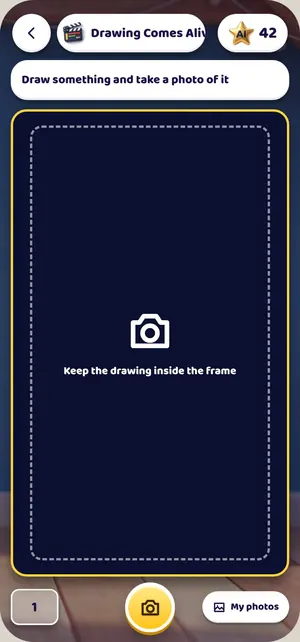
Your child draws on paper and holds the drawing inside the frame, or says an idea out loud.
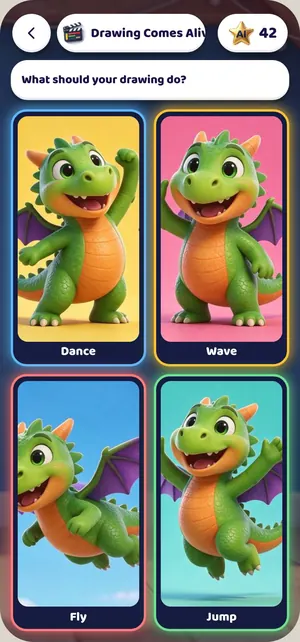
Big picture cards: should the dragon dance, wave, fly or jump? One tap and Pip moves on.
Pip works the magic. The finished film, game, song or book lands in My stuff.
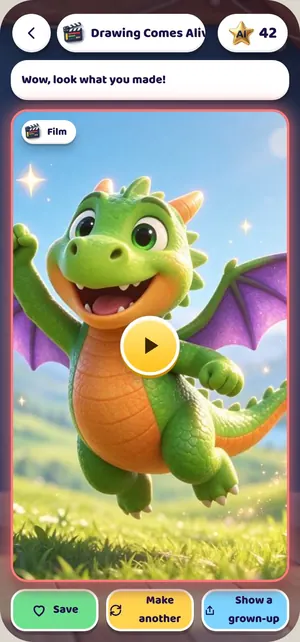
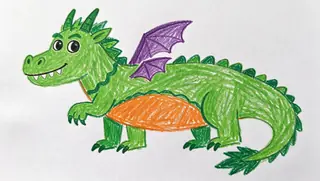
A drawing becomes a film. A doodle becomes a game. A cat on paper gets its own song. Here is what children make with Pip.
Film
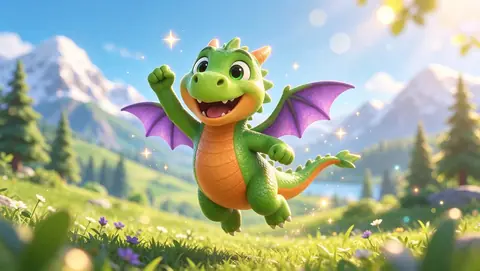
The drawing moves, dances and flies
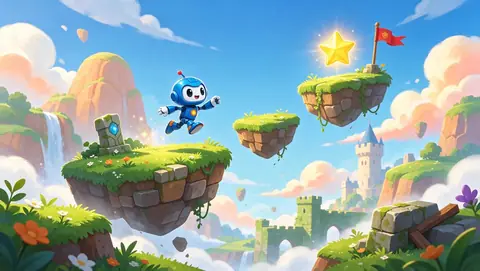
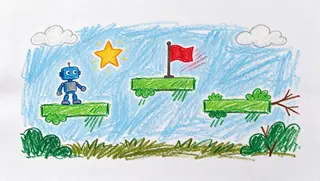 Game

A drawn level becomes a game world
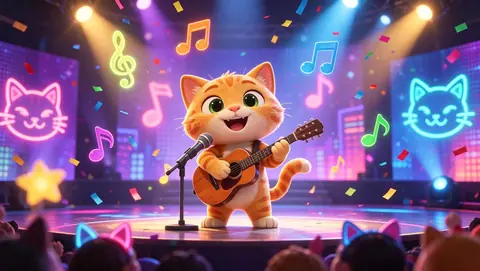
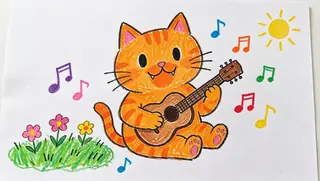 Song

Their character gets its own song
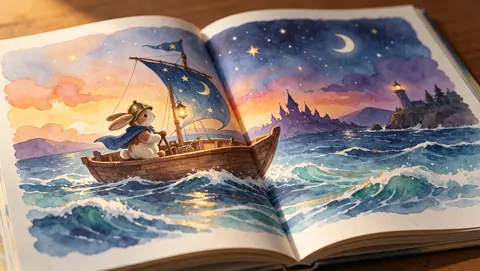
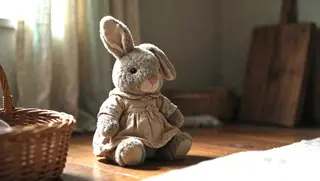 Book
A favourite toy stars in a read-aloud book
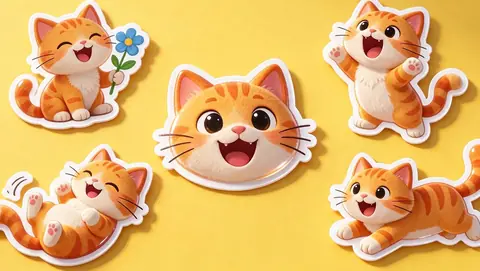
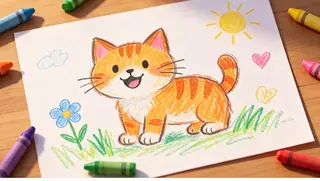 Stickers
One drawing, a whole sticker sheet
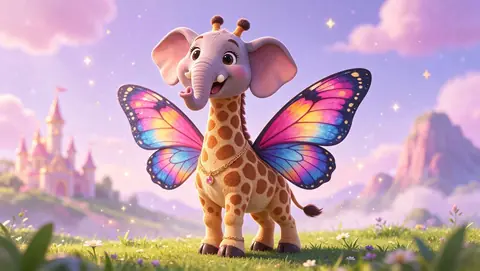
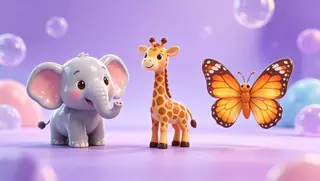 Picture
Mix animals into a brand new one
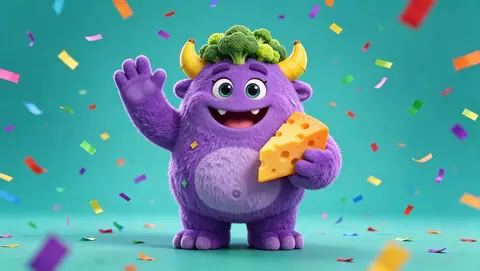
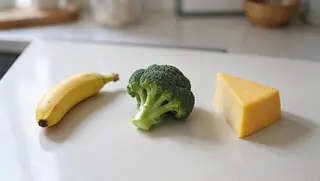 Picture
Three ingredients, one friendly monster
A short quiz for parents. Find your child's creative type and see how Kids AI Studio turns screen time into making time.
Your child creates with fixed tools, and every idea and photo is checked before anything is made.
Your child does not talk to an AI. Pip guides with fixed phrases and choices.
Photos of people are turned down, and the app does not make characters of real people.
Ideas and photos are checked first. Violent, scary and grown-up content is not made.
If an idea cannot be made, Pip kindly suggests something else, and it costs nothing.
A grown-up lock guards purchases, sharing and settings. No ads and no links out of the app.
What your child makes stays in your family's gallery. Nothing is shared automatically.
No tracking, no advertising identifiers, no location. Data is stored in the EU. Read the privacy policy.

Your child uses the app. You decide. Set it up in about a minute, then create together or let your child explore alone.
Yes, it is built that way from the start. There is no open AI chat: your child uses fixed tools with fixed choices. Every idea and photo is checked before anything is made, pictures of real people are turned down, and there are no ads. Purchases, sharing and settings sit behind a grown-up lock.
No. Kids AI Studio has no chatbot and no AI friend. Pip, the mascot, guides your child with short fixed phrases. The only open input is “Tell it yourself”, where your child says or types an idea for one specific result, and that idea is checked before anything is made.
Your child draws on paper, holds the drawing inside the frame and takes a picture. Then they choose what the drawing should do, for example dance, wave, fly or jump. Pip turns it into a short animated film that is saved in My stuff.
Kids AI Studio is made for children aged about 3 to 12. Pip can read every question out loud and most steps are big picture cards, so younger children can create before they can read. Older children can say or type their own ideas.
Films, games, songs, books, pictures, stickers and cards. There are 58 tools in 8 categories: Drawing, Invent, Stories, Games, Music, Photo, Party and Tell it yourself. That includes bedtime stories and storybooks with your child's own characters.
No. Your child never signs in. You as a parent can create an account with a code sent to your email, Sign in with Apple on iPhone and iPad, or Google on Android, so creations follow you to a new device. You can also continue without an account.
Photos are only used to make the creation your child asked for. Photos that show a person are turned down, the app never makes characters of real people, and a photo cannot be used as a profile picture. Our privacy policy explains exactly where photos go and how long they are kept.
No ads, no tracking across apps or websites, no advertising identifiers and no location. We never sell or share your family's data.
iPhone, iPad, and Android phones and tablets. The app speaks 15 languages: English, Danish, German, French, Spanish, Italian, Brazilian Portuguese, Dutch, Swedish, Norwegian, Finnish, Polish, Czech, Turkish and Indonesian.
Making a new creation needs an internet connection, because the creation is made online. Finished creations are saved in My stuff on the device.
Download Kids AI Studio on iPhone, iPad or Android and turn the next drawing into a film.